The Skill Building Habit: Teaching Your AI to Remember
After months of daily AI-assisted development, I stopped asking for the same things over and over. I built commands instead.
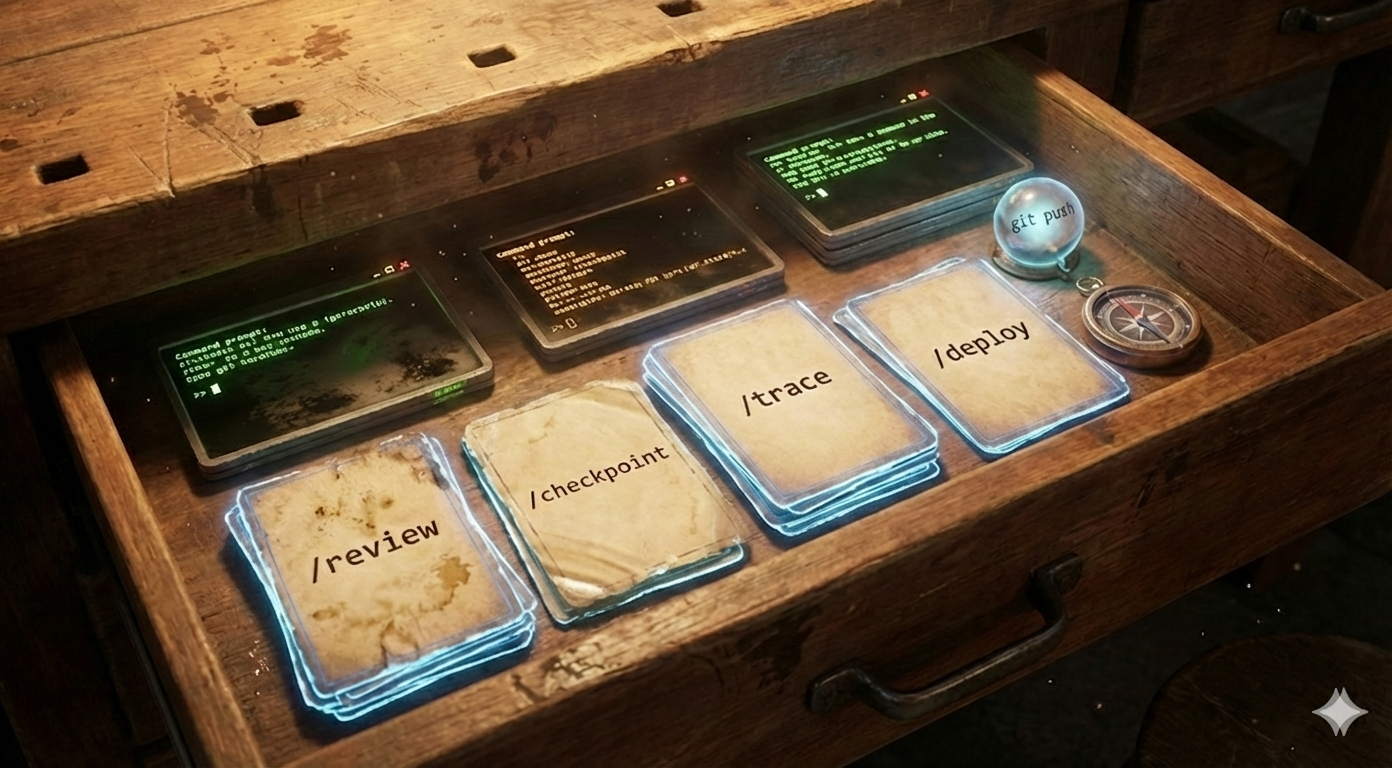
A "skill" is a reusable workflow your AI agent can invoke. Think of it as a macro, but smarter — it knows your codebase patterns and can adapt.
Here's how to discover and build them.
The Problem: Repetition Without Memory
After months of AI use, I noticed patterns:
- Repetition: I kept asking for the same things — "run tests," "open this file," "review this PR"
- Context loss: Each time, I re-explained what "review" means in my codebase
- Inconsistency: Sometimes the AI ran
pytest, sometimespytest --cov, sometimes with the wrong flags
Every session started from zero. The AI doesn't remember that we've done this exact thing 50 times before.
Skills solve all three. Define once, invoke consistently, context preserved.
What a Skill Looks Like
Simple examples:
Trigger: "/review"
Action: Full PR review covering correctness, security, performance, testing
Trigger: "/checkpoint"
Action: Save current session state to history file for later branching
Skills sit between "ask the AI to do something from scratch" and "write a bash script." They encode intent that the agent understands and can execute consistently.
Anatomy of a Good Skill
Every skill needs four components:
| Component | Purpose | Example |
|---|---|---|
| Trigger | How to invoke it | pych <file>, /review, /checkpoint |
| Scope | What it operates on | Single file, current branch, whole repo |
| Behavior | What it does | Open file, run commands, generate output |
| Output | What you get back | File opened, test results, markdown summary |
Bad skill: "Do code review stuff"
Good skill: "/review — Full PR review: correctness, security, performance, edge cases, testing. Output structured table with severity levels."
The Five Categories
After iteration, my skills fall into five categories:
1. Code Review Skills
Different review depths for different contexts:
| Type | When to Use | What It Catches |
|---|---|---|
| Standard review | Daily PRs | Correctness, security basics, performance |
| Strict review | Critical paths, auth code | Zero tolerance for type suppressions, empty catches |
| Architecture review | Cross-system changes | Impact across repositories, contract breaks |
| Frontend review | UI changes | React patterns, accessibility, CSS issues |
| Persona reviews | Pre-merge sanity check | "What would [specific perspective] catch?" |
The persona reviews were a surprise hit. Different reviewers catch different things — one perspective obsesses over naming, another over edge cases. Encoding these perspectives means catching more issues before pushing.
2. Planning & Scoping Skills
For estimating and breaking down work:
| Type | Purpose |
|---|---|
| Scope estimator | How big is this really? |
| Risk identifier | What could blow up unexpectedly? |
| Feasibility check | Can we do this in the time we have? |
These are most valuable for ambiguous requests. "Add caching" sounds simple until the skill identifies multiple layers that might be involved.
3. Codebase Understanding Skills
For navigating and understanding unfamiliar code:
| Type | Purpose |
|---|---|
| Flow tracer | Follow data through the system |
| Area explainer | What does this module do? |
| Pattern matcher | Find similar implementations elsewhere |
These save hours when diving into unfamiliar areas. Instead of grep + read + grep + read, one command gives me the full picture.
4. Repository-Specific Skills
Patterns unique to each codebase:
| Type | Purpose |
|---|---|
| Endpoint scaffolder | Create new API endpoint following local conventions |
| Migration generator | Database schema changes with proper patterns |
| Test scaffolder | New test file matching existing test structure |
| Boilerplate reducer | Standard setup for new modules/packages |
These encode tribal knowledge. "How do we add endpoints here?" becomes a one-word command that produces code matching existing patterns exactly.
5. Session & Continuity Skills
For maintaining context across sessions:
| Type | Purpose |
|---|---|
| Checkpoint | Save state at decision points for branching |
| Handoff | Generate continuation prompt for new session |
| Context updater | Keep architecture docs current |
| Health checker | Overall codebase health metrics |
| Debt scanner | Find and categorize technical debt |
Discovery: Finding Skills to Build
Spend a week tracking what you ask your AI assistant for repeatedly:
- "Review this before I push" → review skill
- "What's the pattern for X here?" → scaffolding skill
- "Trace how this data flows" → navigation skill
- "I want to try a different approach" → checkpoint skill
- "Is this a small or large project?" → scoping skill
The best skills come from observed repetition, not imagination. Don't build a dozen skills on day one. Track what you actually repeat, then encode it.
Case Study: The Checkpoint Skill
My favorite skill. Here's how it evolved:
Version 1: Stuck in a Bad Direction
You're 20 messages deep into debugging. The AI has gone down a path that isn't working. You want to go back to message 8 and try a different approach.
But you can't. The conversation is linear. You'd have to start over and re-explain everything.
Version 2: Re-explain From Scratch
My workaround: start a new session and re-explain the entire context. "I'm working on X. I tried Y and Z but they didn't work. Now I want to try A instead."
This worked but was tedious. I'd forget important context. The new session didn't know what had already been tried.
Version 3: Checkpoint at Decision Points
Now I checkpoint at key decision points — before committing to an approach:
/checkpoint

Generates:
- What was accomplished so far
- Key decisions made (and why)
- Approaches tried and failed
- Current hypothesis
- Files modified

Saves to a history file I can retrieve later.
When I want to branch and try a different approach, I start a fresh session and paste the checkpoint. The new session knows exactly where I was and what didn't work.
The key insight: Checkpoints aren't just history — they're branch points. They let you explore alternative approaches without losing context about what you've already tried.
Where Skills Live
Skills need a home where your AI can find them. Two tiers work well:
Global skills — Work across any codebase:
- Code review standards
- Planning and estimation
- Session management (checkpoints, handoffs)
Project-specific skills — Encode patterns unique to one repo:
- "How we structure endpoints here"
- "Our component patterns"
- "Integration test conventions"
Keep them separate. Global skills in one location; project skills in each project. Your AI reads both and knows which apply where.
The Navigation Skill: Understanding Unfamiliar Code
The skill I use most isn't for writing code — it's for understanding it.
When I land in an unfamiliar part of the codebase, I used to do this dance:
- Jump to definition
- Read that file
- Find usages
- Jump to one of those
- Read that file
- Repeat until I understand the flow
Now: /trace user-signup
The skill knows to:
- Start from the entry point (route handler, CLI command, etc.)
- Follow the data through each layer
- Note transformations, validations, and side effects
- Identify where exceptions are caught (or not)
- Map out which services/databases are touched
Output is a flow diagram in text:
POST /api/users/signup
  → validate_request(data) [raises ValidationError]
  → UserRepository.get_by_email() [DB: users table]
  → hash_password() [bcrypt]
  → UserRepository.create() [DB insert]
  → send_welcome_email() [async task, non-blocking]
← Response: { user_id, email, created_at }
What used to take 30 minutes of file-hopping now takes 30 seconds. And the output is something I can paste into a PR description or share with a teammate asking "how does signup work?"
The skill evolved over time:
- v1: Just trace the happy path
- v2: Added exception paths after getting burned by unhandled errors
- v3: Added "what touches the database?" after a performance incident
- v4: Added async tasks after debugging a race condition
Each version came from pain. I didn't design it upfront — I refined it when the current version failed me.
Gotchas and Lessons
1. Prefix Conflicts
If you use /skill, your tool might try to parse it as a built-in command. This happened when I built my session handoff plugin — I wanted /handoff but the slash prefix collided with existing commands, so it became session handoff instead.
Options:
- Use a different trigger style (two words, no slash)
- Prefix with something unique (
my-,do-, etc.) - Accept the collision and work around it
2. Skills Need Maintenance
Codebase patterns change. Skills that encode old patterns become misleading. Review quarterly:
- Does the command still work?
- Does the pattern still apply?
- Is the tool/framework still correct?
3. Don't Over-Skill
Not everything needs a skill. If you've only done it twice, it's not a pattern yet.
Skill-worthy: Things you do weekly Not skill-worthy: One-off tasks, edge cases
4. Start Small
Start with 3 skills, not 27. Add more as patterns emerge. You'll know when you need them because you'll catch yourself typing the same prompt again.
The Value Hierarchy
After 6 months, here's what provides the most value:
- Codebase-specific skills — They encode knowledge that lives only in your head
- Policy-enforcement skills — They make team standards automatic
- Checkpoint/history skills — They create a searchable record of decisions
- General development skills — They standardize common tasks
The codebase-specific ones surprise people the most. "Wait, I can just say /new-component and it knows our factory pattern?"
Yes. That's the point.
Getting Started
- Track for a week: What do you repeatedly ask your AI assistant?
- Pick the top 3: Most frequent, most annoying to re-explain
- Define them: Trigger, scope, behavior, output
- Document them: So the AI knows about them
- Iterate: Skills evolve as you use them
The first three skills will teach you what works. Then add more.
The Meta-Skill
Building skills is itself a skill. You learn:
- What's actually repetitive vs. what just feels repetitive
- How to specify behavior precisely
- When to encode flexibility vs. rigidity
- How to maintain and evolve commands over time
This meta-skill transfers. Once you think in terms of "encode the pattern," you see opportunities everywhere — not just with AI.
Start with 3. You'll know when you need more.